
Minecraft for Mobile: Best Tips and Tricks for a Seamless Experience
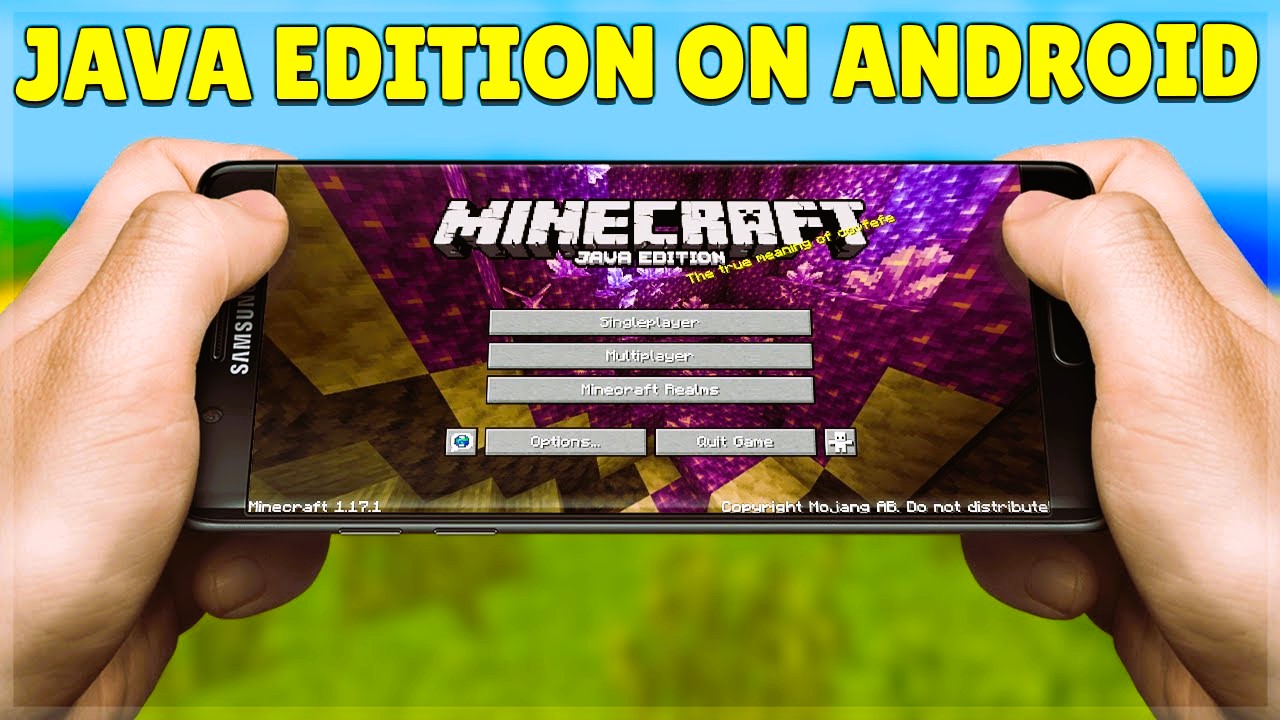
Minecraft, a game that has captured the hearts of millions, is not only available on PCs and consoles but also on mobile devices. With its portable nature, Minecraft on mobile offers the freedom to build, explore, and create anywhere, anytime. However, playing on a mobile device can come with its own set of challenges. Whether you’re new to mobile gaming or a seasoned Minecraft player, this article will provide you with the best tips and tricks to ensure a seamless Minecraft experience on your mobile device.
1. Optimize Your Game Settings
To ensure a smooth experience, adjusting the in-game settings is essential. Lowering the graphics settings can help improve performance, especially if your device doesn’t have the highest specs. You can adjust settings like render distance, particle effects, and smooth lighting to find the right balance between performance and visual quality. Don’t forget to enable “Fancy Graphics” for a better look if your device can handle it.
2. Use a Bluetooth Controller
While touchscreen controls are functional, using a Bluetooth controller can significantly enhance your gaming experience. Controllers offer more precise control, making it easier to perform complex actions like building structures, battling mobs, and navigating the world. Many popular mobile controllers are compatible with Minecraft, so consider investing in one for a more console-like experience.
3. Manage Your Inventory Efficiently
Managing your inventory on mobile can be tricky due to limited screen space. To make things easier, organize your items by category, such as building materials, food, and tools. You can also use the hotbar to keep frequently used items close at hand. Sorting your inventory regularly will help you stay organized during your gameplay and prevent frustrating moments when you’re in a pinch.
4. Take Advantage of the Pocket Edition Features
Minecraft’s Pocket Edition comes with a few unique features designed specifically for mobile players. These include the ability to use touch gestures for quicker block placement and the ability to tap directly on the screen to interact with objects and mobs. Mastering these controls will improve your efficiency and make your gameplay feel more fluid.
5. Keep Your Device Charged
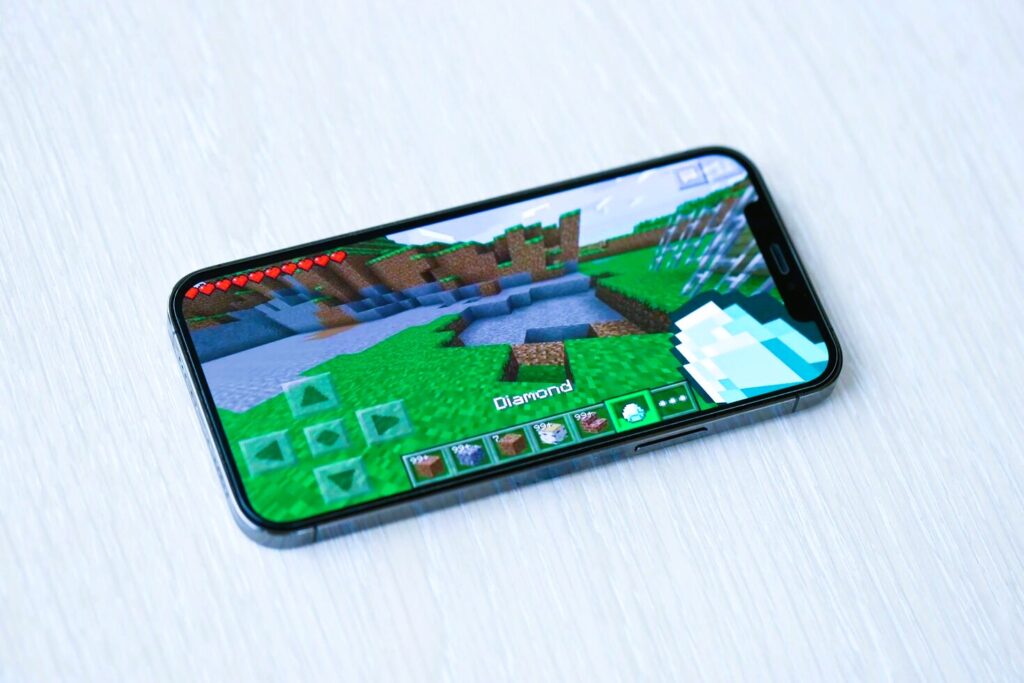
Minecraft is a resource-intensive game, and it can drain your mobile device’s battery quickly. Always make sure to have a portable charger or charging cable on hand if you’re planning to play for an extended period. Keeping your device plugged in while playing will also ensure a steady performance and prevent interruptions caused by low battery. Read about How to build and decorate the perfect farm in Minecraft in our article.
6. Play in Multiplayer with Friends
Minecraft’s mobile version allows you to play with friends via local Wi-Fi or online. Playing with others can add a whole new dimension to the game, whether you’re teaming up to build a massive city or going on an adventure together. To join multiplayer games, simply ensure that everyone is using the same Wi-Fi network or that you’re all connected to the internet.
7. Explore the Marketplace for Custom Content
Minecraft’s Marketplace on mobile offers a wide array of skins, texture packs, and worlds created by other players. You can purchase these items to enhance your gaming experience or find inspiration for your next build. The Marketplace is a great way to access custom content and add a fresh twist to your gameplay.
8. Stay Updated on New Features
Mojang frequently updates Minecraft to add new features, fix bugs, and improve gameplay. Be sure to keep your mobile app updated to take advantage of the latest improvements. Regular updates also help keep the game stable, ensuring fewer crashes and bugs.
9. Use External Mods for Additional Customization
While mods aren’t natively supported on the mobile version of Minecraft, you can still find third-party apps and websites that offer modified versions of the game. Be cautious when downloading mods from external sources and always ensure that the mods are compatible with the mobile version to avoid issues.
Playing Minecraft on mobile can be just as fun and immersive as on other platforms with the right setup and strategies. By optimizing settings, using a controller, and exploring the unique features of the Pocket Edition, you can create a smooth and enjoyable Minecraft experience on your phone or tablet. Whether you’re a new player or a seasoned veteran, these tips will help you get the most out of your Minecraft mobile adventures.
For more information and updates, check out the official Minecraft Wiki.